How to launch your demo
A live simulation of a solar-powered home, showing real energy flows between the panels, the household appliances and the grid.
How it works
The single-home scenario
Rooftop solar panels generate electricity during daylight hours. Brighter Energy tracks the home’s consumption appliance by appliance, uses solar first and automatically draws from the grid only when solar falls short. When solar output exceeds demand, appliances that were previously switched off are automatically turned back on to use that free energy rather than waste it.
Quick start
Launch a ready-made example
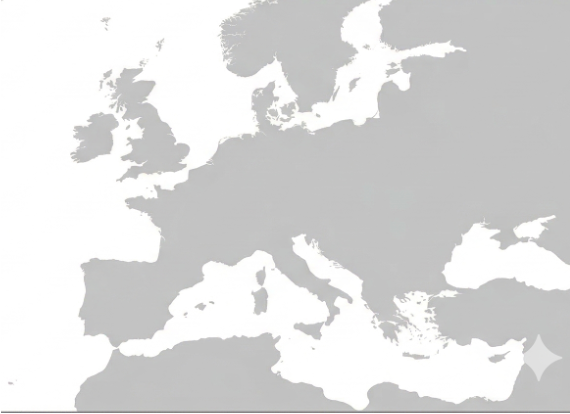
- 1Pick a city on the map by clicking its name. A summary of that city’s solar setup will appear on the right.
- 2Click “Launch demo”. The simulation starts immediately.
Custom setup
Build your own scenario
Click “Create your own System” to choose exactly what’s in the home.
- 1City: type a city name. If it matches a location in our database, its solar profile will be used for the simulation.
- 2Appliances: tick the devices in the home (fridge, air conditioning, water heater, etc.). The system calculates the right solar panel size automatically.
- 3Click “Launch demo” and wait a few seconds while the scenario is built.
💡
Once the demo is running, you can jump to any time of day to see how the system behaves: morning solar build-up, midday surplus, evening grid switch. The system responds in real time.